
THE SHORT CHECKLIST
Before you start
- Valheim with BepInEx and a compatible OctoPack installation.
- The same Camping Kit version on every participating client.
- Only the camp host needs an equipped Camping Kit item and backpack; guests do not need their own kit item.
These instructions describe the documented defaults. Check your installed release notes and server rules if a recipe, key, or setting differs.
Install or update
- Close Valheim before changing the installation.
- Install BepInEx for Valheim and the compatible OctoPack core first. Camping Kit is an add-on, so it needs the core.
- Use a compatible mod manager, or copy the manual package’s
pluginsfolder intoValheim/BepInEx. - Check that the resulting DLL is
BepInEx/plugins/OctoPack_addon_Camping/OctoPack_addon_Camping.dll. Keep one copy. - Keep your existing configuration when replacing the DLL, then restart Valheim.
- Update every participating client to the same Camping Kit version before camping together.
The host’s kit provides the camp equipment. Guests still need the mod installed, even though they do not need to craft or equip their own kit item.
Craft and equip your kit
- Gather 2 Copper, 2 Iron, and 2 Deer hide for the Camping Kit recipe.
- Craft the kit at a level 1 forge.
- Equip your OctoPack and move the Camping Kit into a backpack slot.
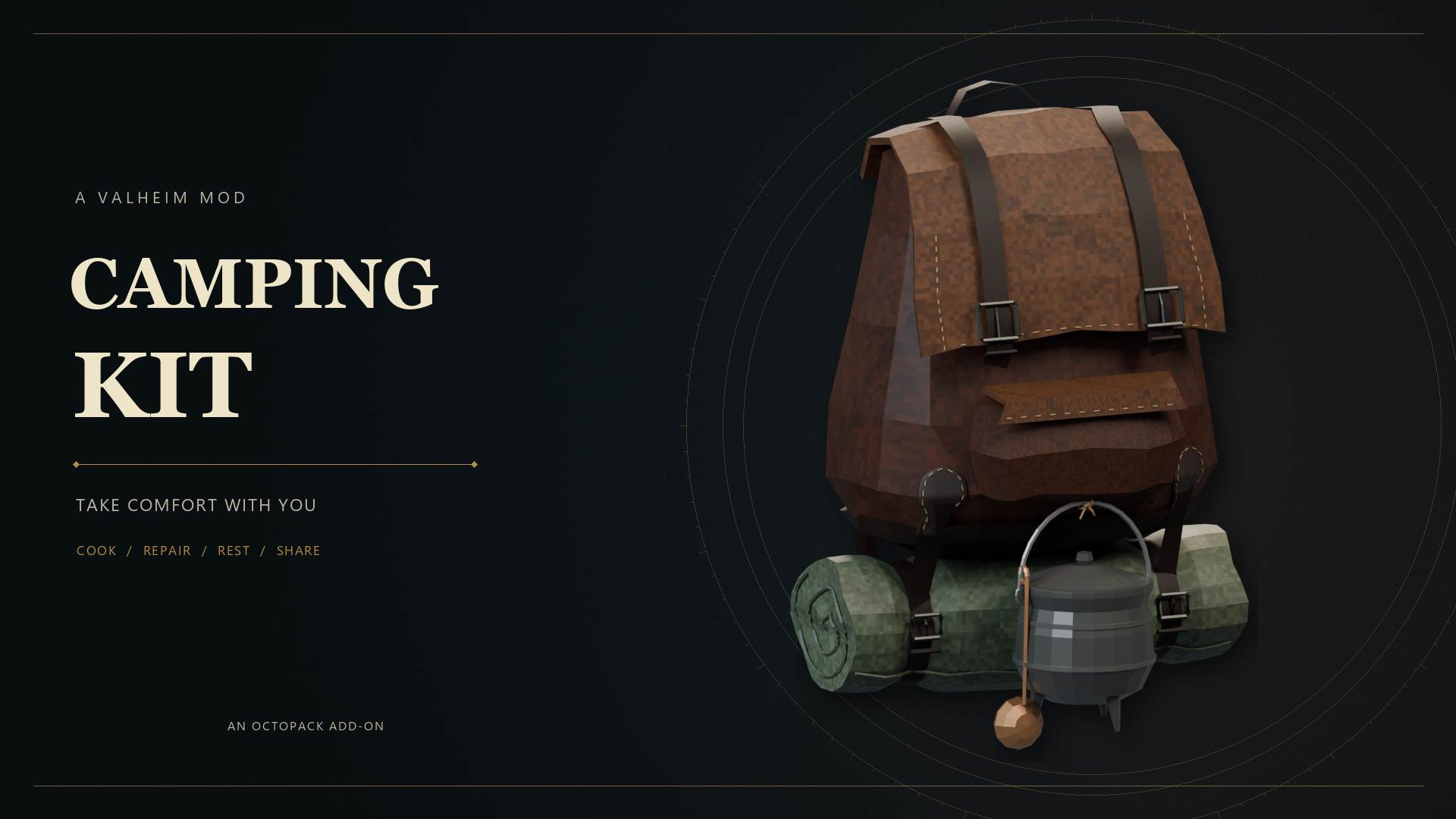
- Use the kit item to equip it. The pot and swinging ladle become part of your pack.
- Find a safe campsite before pressing the camp shortcut.
The item must be equipped in a backpack slot to host a camp. Having it elsewhere in the main inventory is not enough. If the game asks you to move the kit into a backpack slot, return to the pack inventory and equip it there.
Only one kit is selected at a time. Guests joining someone else’s camp can leave their own kit and backpack at home.
Default controls
| Action | Default key | Who can use it |
|---|---|---|
| Make, join, or leave camp | Shift + P | Host or guest; either Shift key works. |
| Open cooking | K | Host. |
| Limited item repair | J | Host and guests. |
| Sleep | L | Host and guests, when the game allows sleep. |
These are defaults. If a shortcut does nothing, check the configured bindings and close chat or other input menus before trying again. Rebind a key that conflicts with another mod rather than pressing both actions together.
Cooking, repairs, and sleep
As host, press K to open the cooking menu. Recipes depend on food and materials your character knows. Carry the ingredients and leave room in your inventory to collect the result. Finish or collect the current food before starting another item; recipes with normal overcooking behavior can still burn.
The travelling pot replaces a base cauldron, not the game’s whole food progression. A higher-level cauldron recipe still needs a sufficiently upgraded cauldron nearby, within 20 metres. If the menu says an upgraded cauldron is required, make camp near the appropriate station or choose a lower-level recipe.
Press J for one 25% repair per item between other repairs. Repeating the shortcut is not an unlimited replacement for a normal repair station.
Press L to sleep when Valheim’s time and multiplayer requirements allow it. A camp does not bypass the multiplayer sleep rules. If sleep is unavailable, check the time and the other players’ readiness.
Configuration and group setup
BepInEx creates BepInEx/config/OctoPack_addon_Camping.cfg. Settings include the enabled toggle, camp/cooking/repair/sleep shortcuts, pot and ladle placement, model scale, and swing motion.
For manual edits, close Valheim, keep a backup, change the intended setting, and restart. Preserve the existing file on update. Start with the default placement and motion settings; adjust them only if you want to change how the kit sits on your pack.
For a group, confirm everyone has the core and the same Camping Kit release before troubleshooting an invitation. Test one host and one guest first, then add the second guest. The release is marked early: the 0.1.19 notes still call for in-game quit-after-camping and multiplayer retesting.
Troubleshooting
It says the kit is not equipped
Move the kit into an OctoPack backpack slot and use the item to equip it. Check that the core loaded and the add-on is enabled in its configuration.
I cannot start or join camp
Move to safe, dry ground with continuous ground beneath the bedrolls and clear seats. Stop swimming, teleporting, or moving. Guests must be within 4 metres, the host must still be camping, and one of the two guest places must be free.
Food will not collect or camp ended unexpectedly
Free inventory space before collecting food. Movement, danger, and the host’s departure can end camp. If setup or cleanup fails, preserve the log and report the exact sequence rather than deleting your config or replacing saved item data.
Get help
Report the Camping Kit version, OctoPack version, Valheim version, and whether you were the host or a guest. Include the steps that triggered the problem and the relevant part of BepInEx/LogOutput.log.
For joining issues, mention the distance to the host and number of guests. For cooking issues, name the recipe, the nearby cauldron level, and any on-screen message. Use the Studio Bascinet Discord community or the project page for support.
KEEP THESE HANDY
Project reference & help
Use the author’s project notes for current release requirements and changes. If you need help, include the installed version, what you tried, and the relevant log excerpt.
- Camping Kit project documentation ↗
- Camping Kit releases and update notes ↗
- Required OctoPack core ↗
- Studio Bascinet Discord ↗
Review logs before sharing. Do not include server passwords, admin access keys, or other private information.